2. Unpack the zip package in the AddIns folder: Windows: C:\Users\[username]\AppData\Roaming\Autodesk\Autodesk Fusion 360\API\AddIns\ Mac: /Users/[username]/Library/Application Support/Autodesk/Autodesk Fusion 360/API/AddIns/ or in any other new folder.
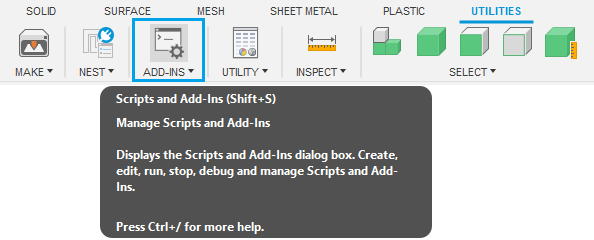
3. Open the Add-Ins dialog window in Autodesk Fusion.
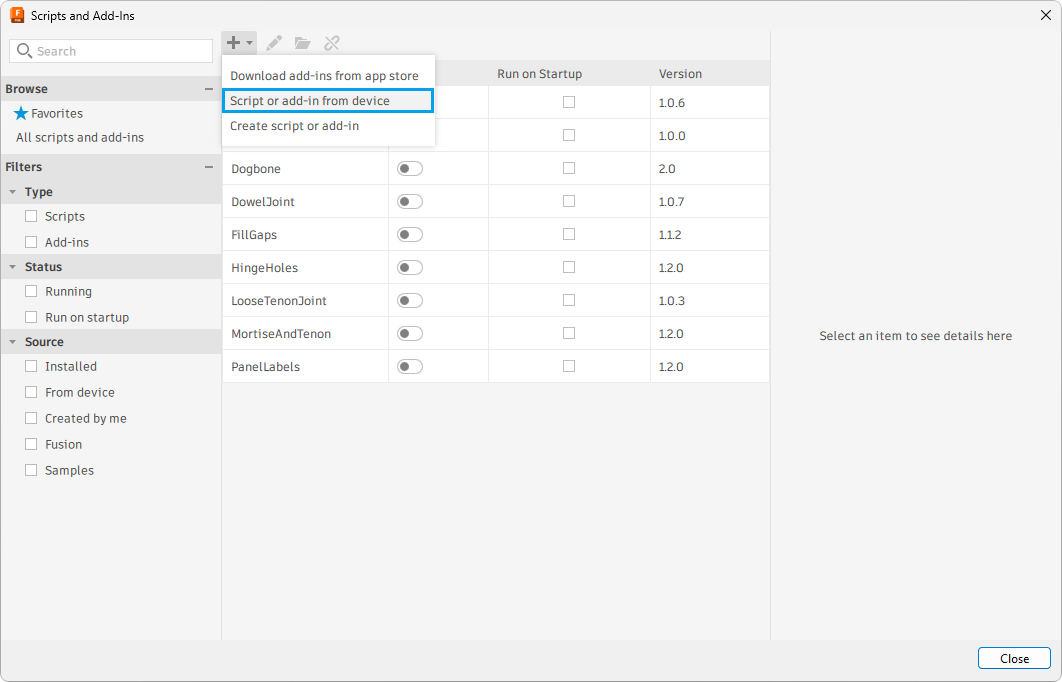
4. Press the + button and select Script or add-in from device.

 info@maciejrogowski.com